Skip to content
Grocery delivery from nearby stores
Essentily
Shop How it works Become a vendor Delivery partners About Essentily Contact us Vendor login Get Essentily
HOW ESSENTILY WORKS

From “I need it”
to “it’s here.”

Essentily connects nearby-store discovery, a smarter grocery basket, checkout and local delivery in one customer journey.
01Nearby discoverySee Stores that can serve your area. 02One basketSearch, AI help and products together. 03Live deliveryFollow the order through the final handoff.
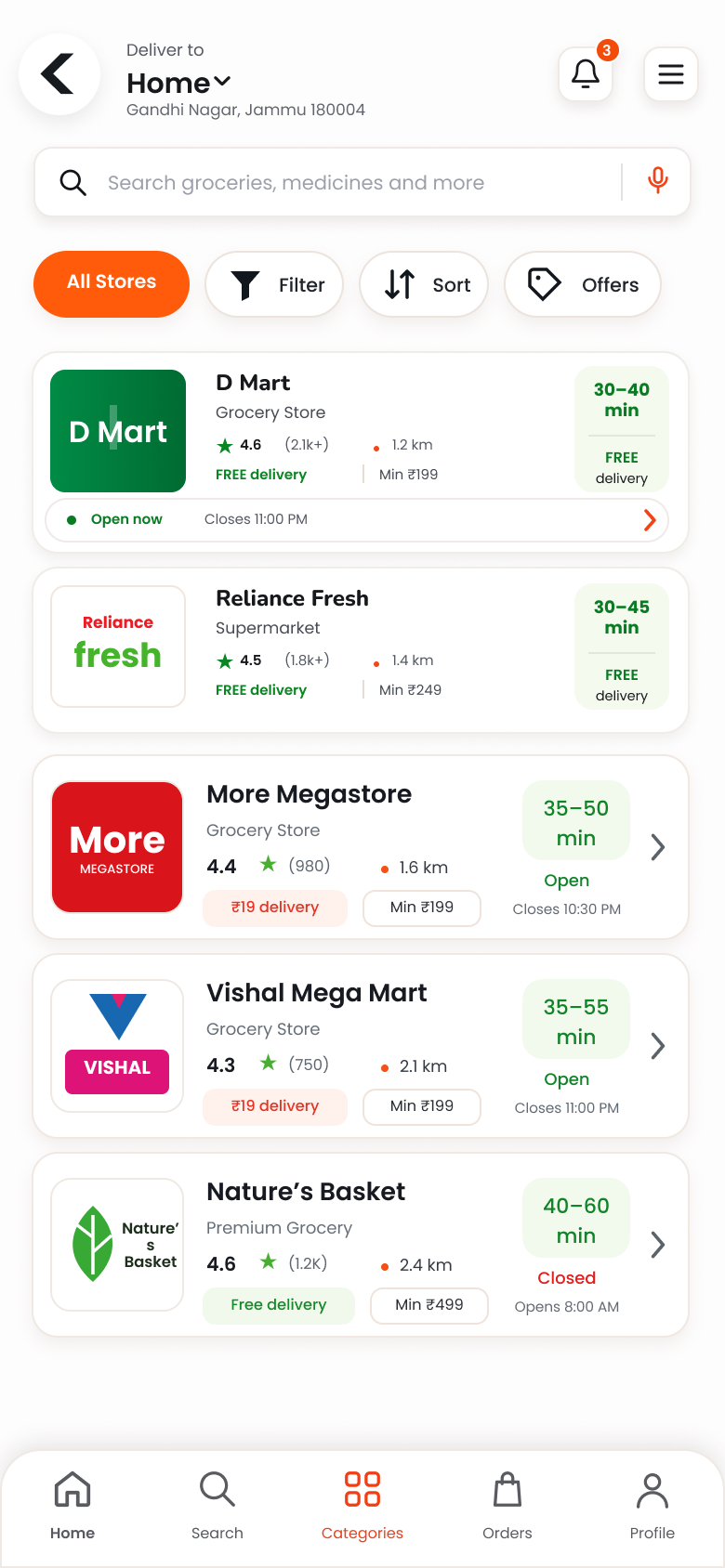
Essentily nearby Store discovery screen
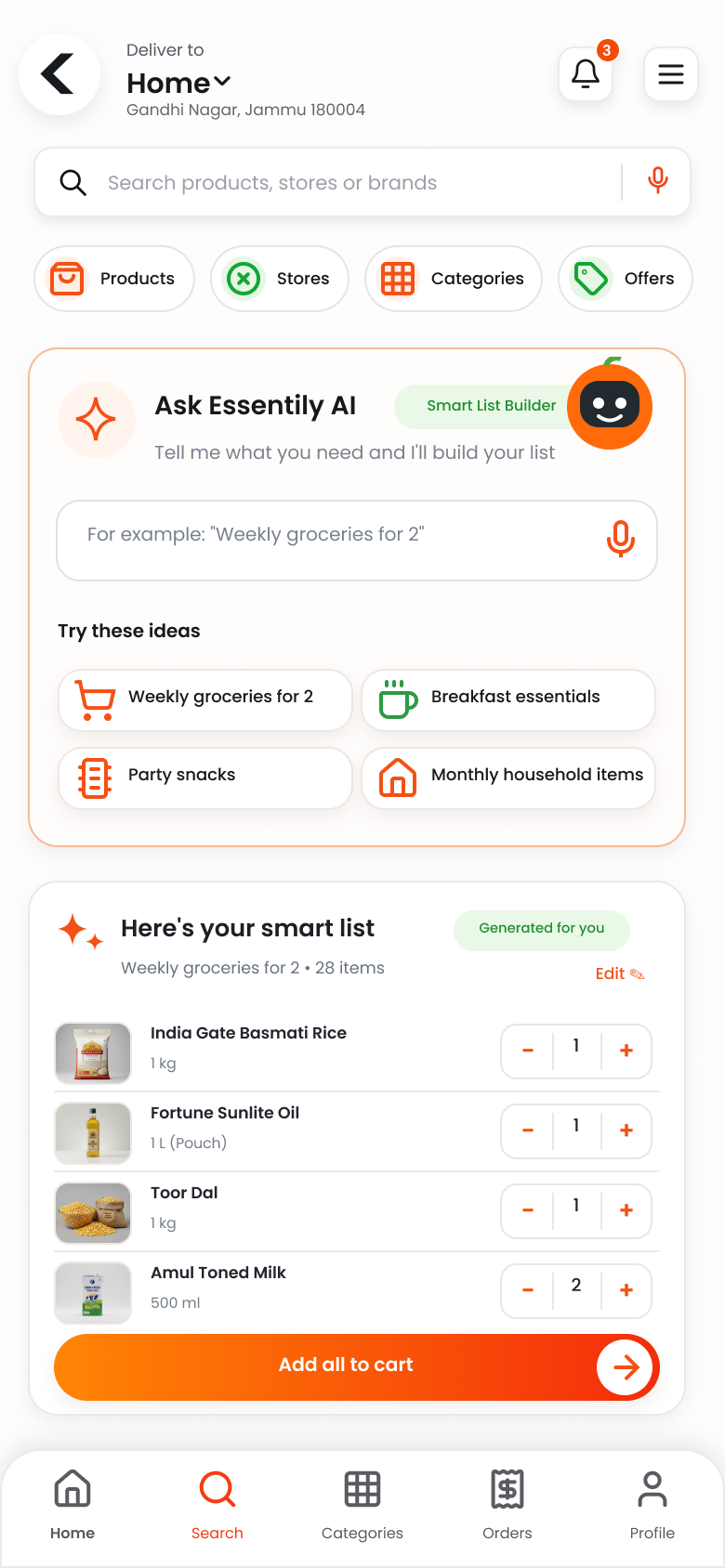
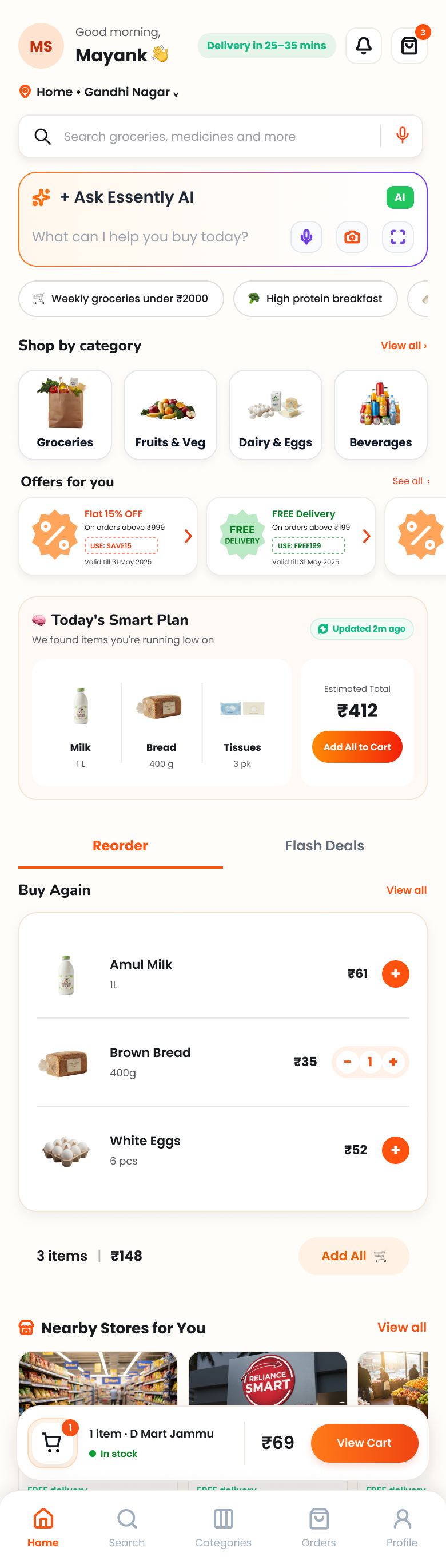
Essentily customer app home screen
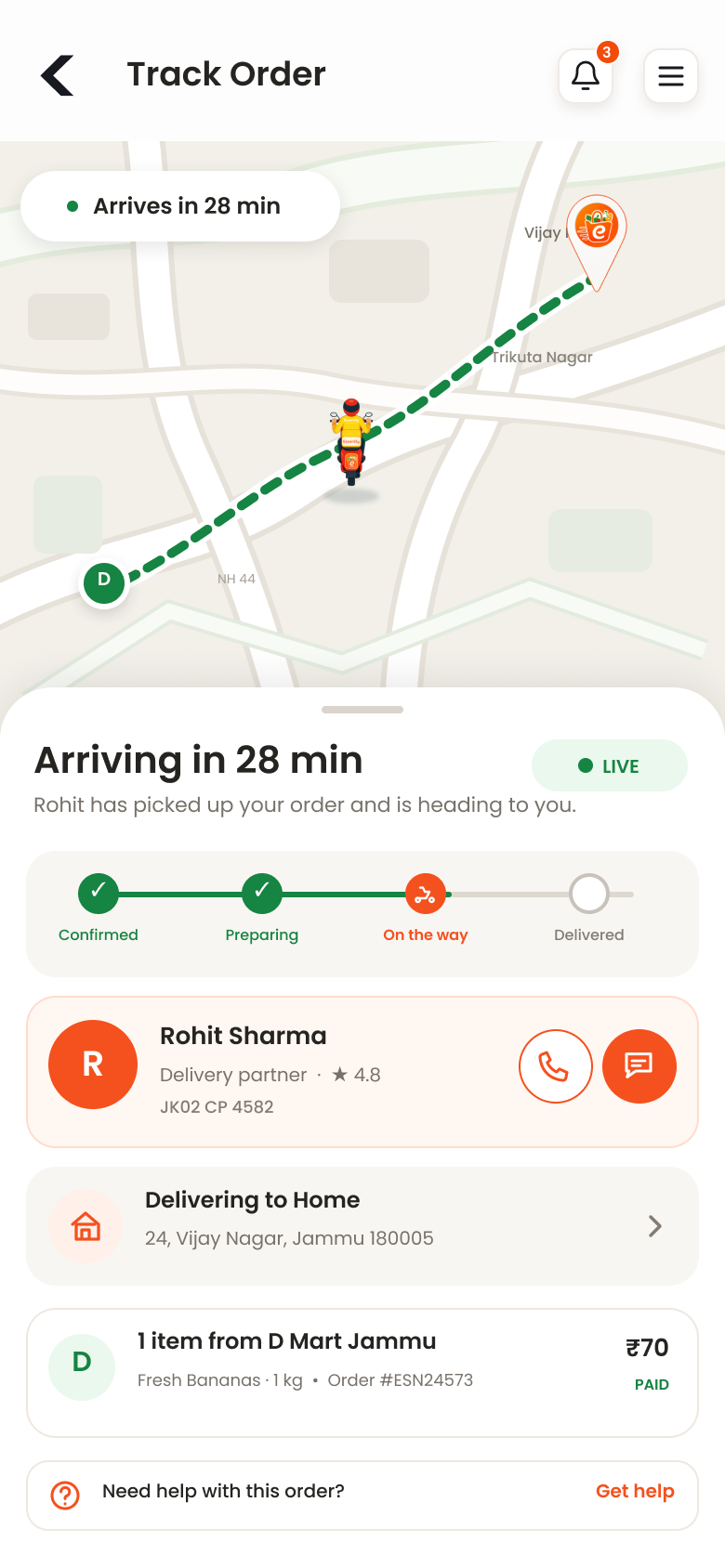
Essentily live delivery tracking screen
Nearby firstStores around your address Live orderFollow every step
ONE CONNECTED GROCERY JOURNEY

Five clear stages.
No mystery in between.

What you see in the customer app follows the real order lifecycle: discover what is available nearby, build the basket, confirm checkout, follow preparation and delivery, then complete a verified handoff.

01
START NEARBY

Set your location.
See what can actually reach you.

Essentily starts with the delivery address, then surfaces nearby Stores and the catalogue available for that area. You browse what is relevant instead of a generic marketplace.
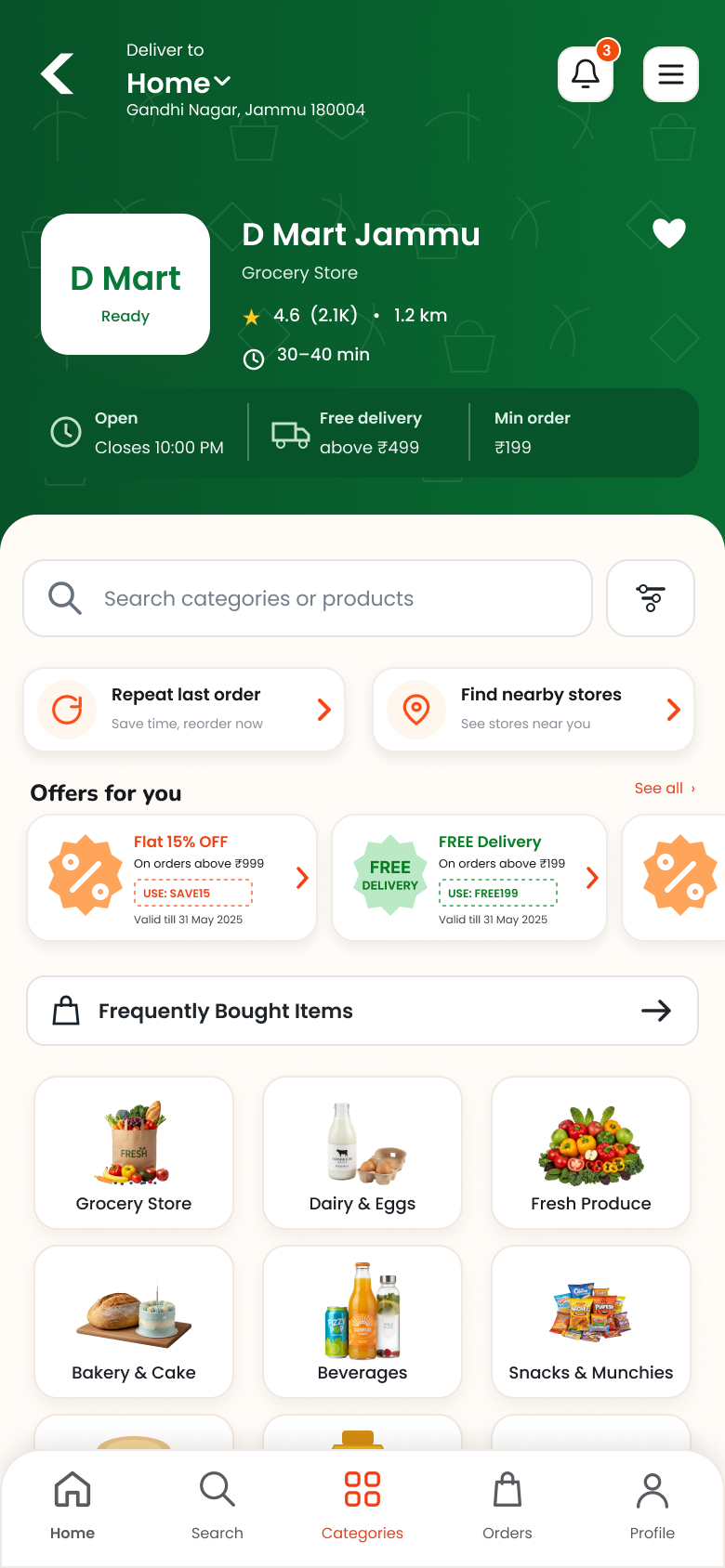
Location-awareAvailability follows the delivery area. Real Store cataloguesBrowse categories and products from the selected Store. Clear Store contextSee the Store before you start adding items.
Explore Stores on the Shop page →
Nearby Store discovery in Essentily
A Store page inside Essentily
Nearby StoresBased on your address
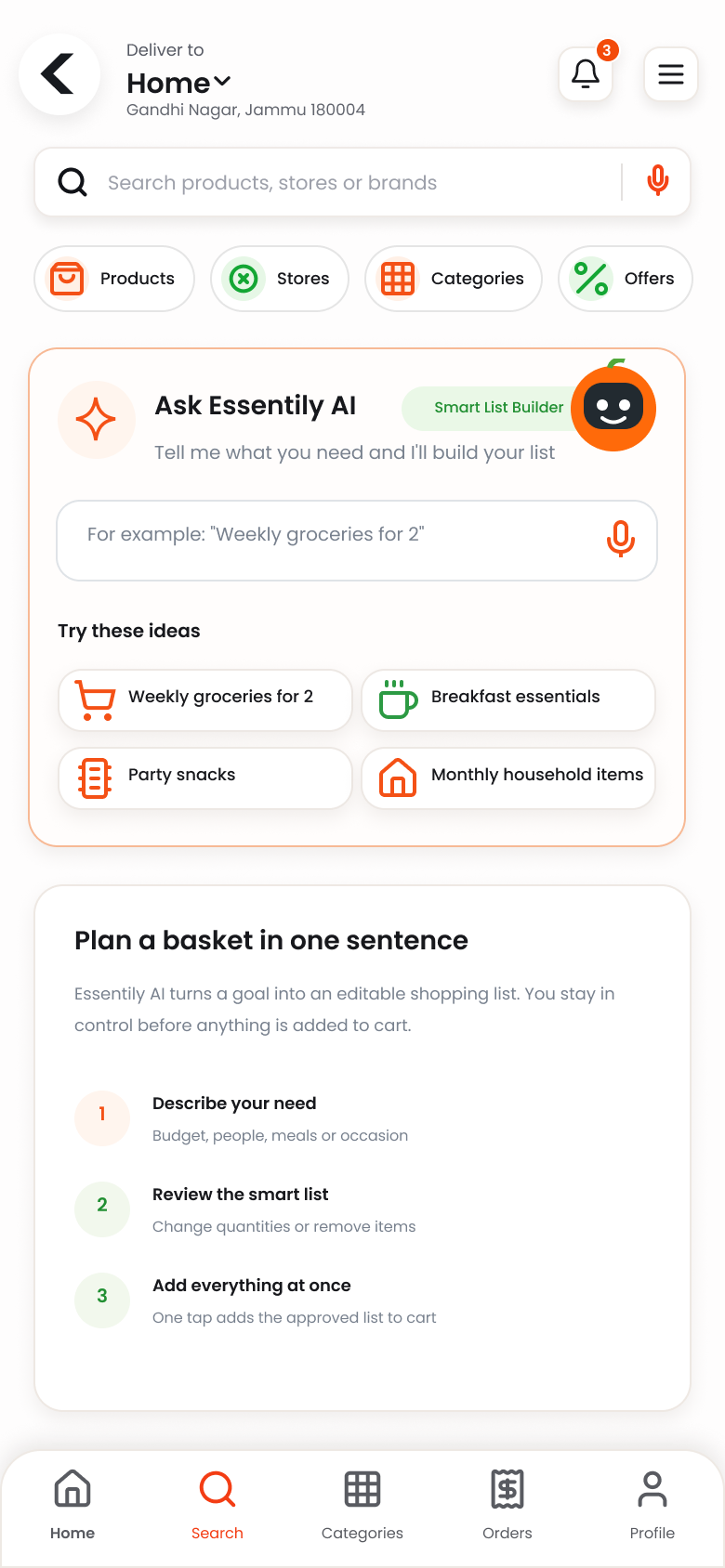
Essentily AI grocery planning prompt screen
Essentily smart grocery basket results
Ask Essentily AIThen review the basket yourself
02
BUILD SMARTER

Search it.
Say it.
Build it your way.

Use normal product search, browse Store aisles, or describe what you need to Essentily AI. A suggested grocery list remains editable before anything reaches the cart.

“Weekly groceries for two” “High-protein breakfast” “Party snacks” “Monthly household items”
You stay in controlReview quantities and remove or add products. Store-awareThe basket is built around available catalogue items.
03
REVIEW & CHECKOUT

Know the basket.
Confirm the delivery.

Review products and quantities, confirm the address and delivery preference, then choose an available payment method before placing the order.
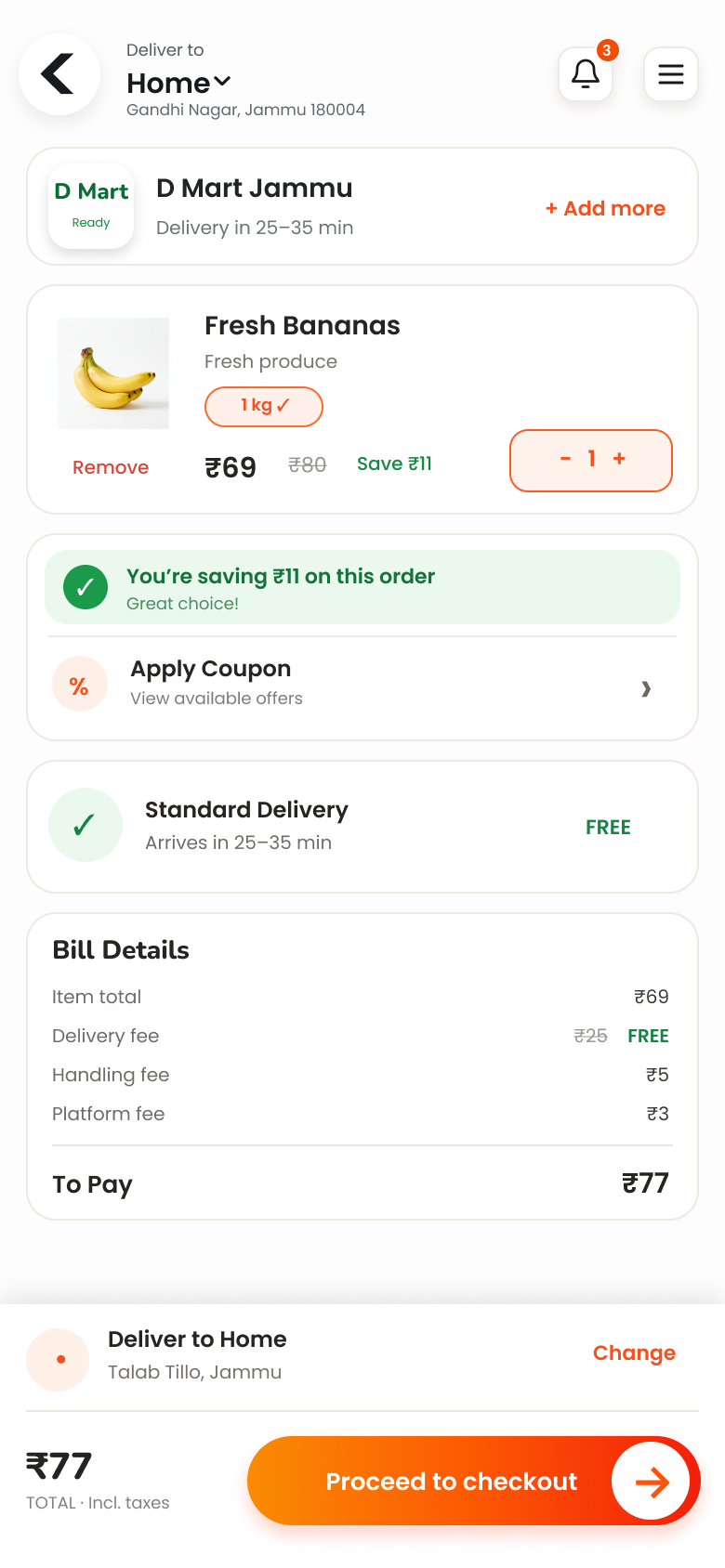
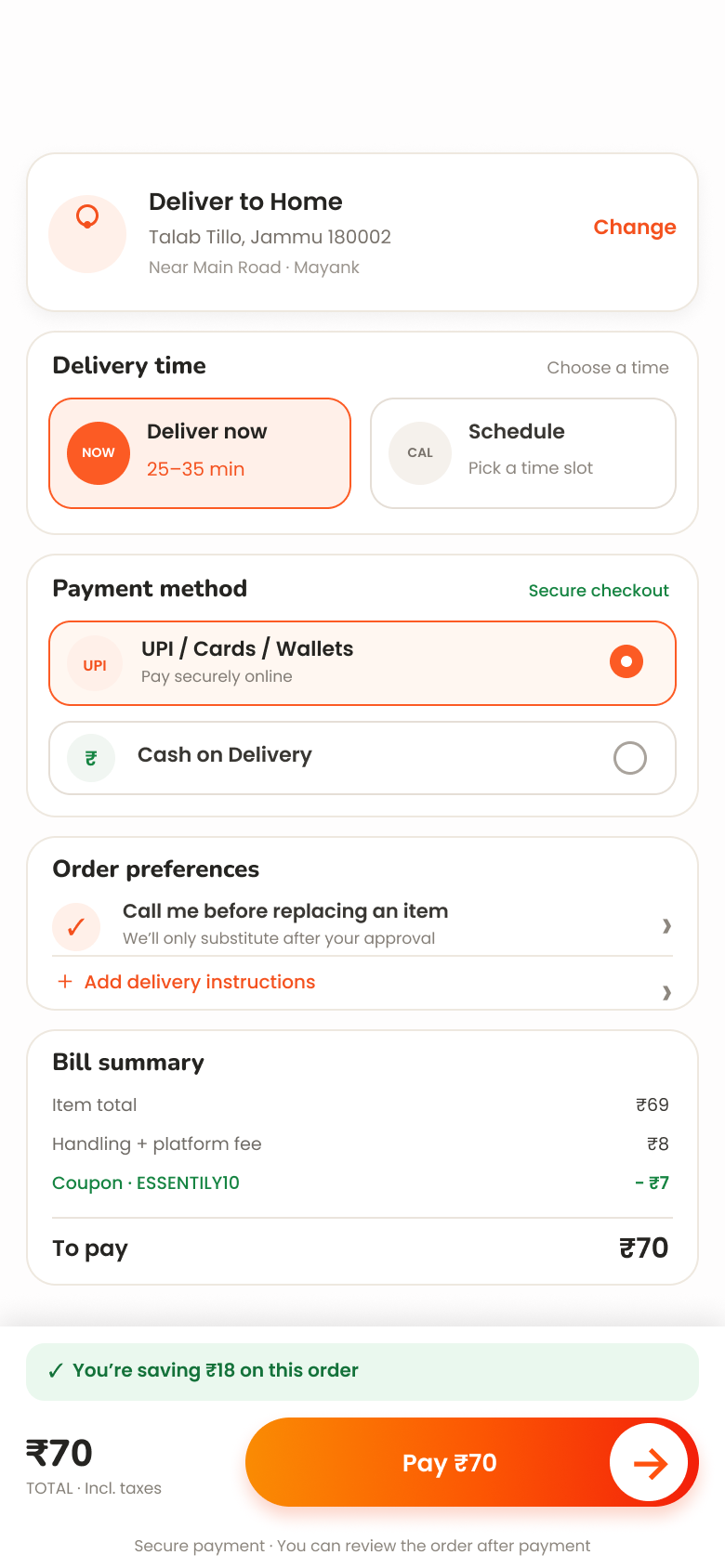
1Review basket 2Confirm address 3Choose delivery timing 4Confirm payment
Essentily grocery basket review screen
Essentily secure grocery checkout screen
One clear checkoutBasket → address → payment
AFTER YOU PLACE THE ORDER

Your order keeps moving
even when you close the app.

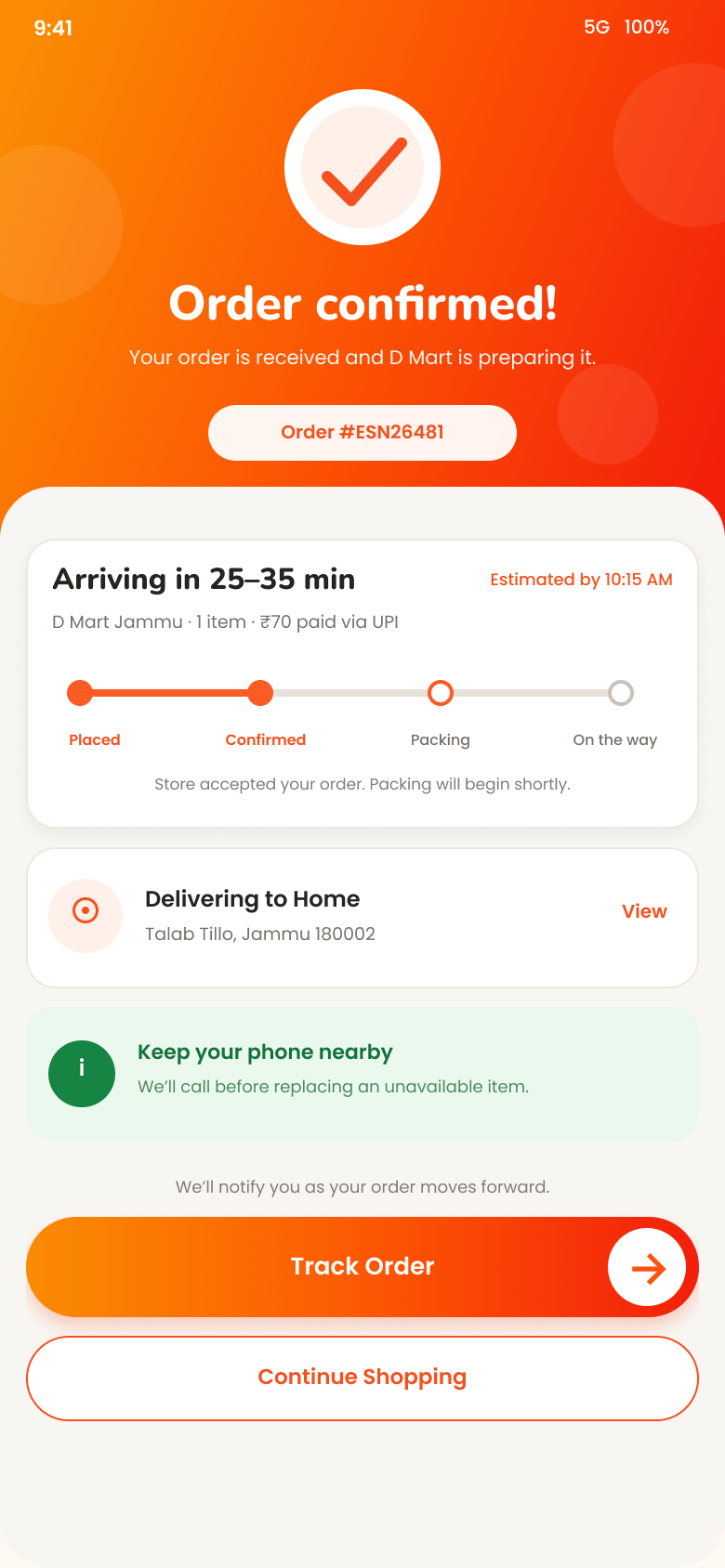
Essentily coordinates the Store preparing the order and the delivery partner collecting it, while the customer app keeps the important progress visible.
CUSTOMEROrder placedBasket and delivery details confirmed.
→
STOREPrepare orderThe Store receives and works the order.
→
DELIVERYPickup & drop-offThe delivery partner takes over the trip.
→
✓
HANDOFFDeliveredThe final customer handoff is verified.
Essentily confirmed grocery order screen
Live delivery tracking in Essentily
Live visibilityPreparation → pickup → on the way
04
FOLLOW IT LIVE

Store preparing.
Partner moving.
You stay informed.

Once placed, the order moves through preparation, pickup and delivery. The tracking view keeps the customer focused on what matters: status, progress and the trip to the delivery address.

ConfirmedPreparingPicked upOn the way
05
RECEIVE & VERIFY

The last step should feel
as clear as the first.

At the doorstep, Essentily closes the order with a verified delivery handoff. The delivery-completion OTP helps make the final step deliberate and recorded.

Delivery arrivesCustomer OTPVerified completion
Essentily delivery arrival tracking screen
✓
ORDER JOURNEYDelivered securely

Final handoff verified.

READY WHEN YOU ARE

Start with a nearby Store.
Essentily handles the journey.

Browse the live public catalogue on the Shop page, then continue ordering in the Essentily customer app.