Skip to content
Grocery delivery from nearby stores
Essentily
Shop How it works Become a vendor Delivery partners About Essentily Contact us Vendor login Get Essentily
FOR LOCAL GROCERY STORES

Your shelves.
In more neighbourhood baskets.

Essentily gives local stores a connected digital workspace for catalogue, stock, incoming orders, offers and earnings — while customers continue shopping from a familiar local-store experience.
01Digital catalogueProducts, categories and stock. 02Order workflowNew → preparing → ready. 03Local deliveryConnected pickup and handoff.
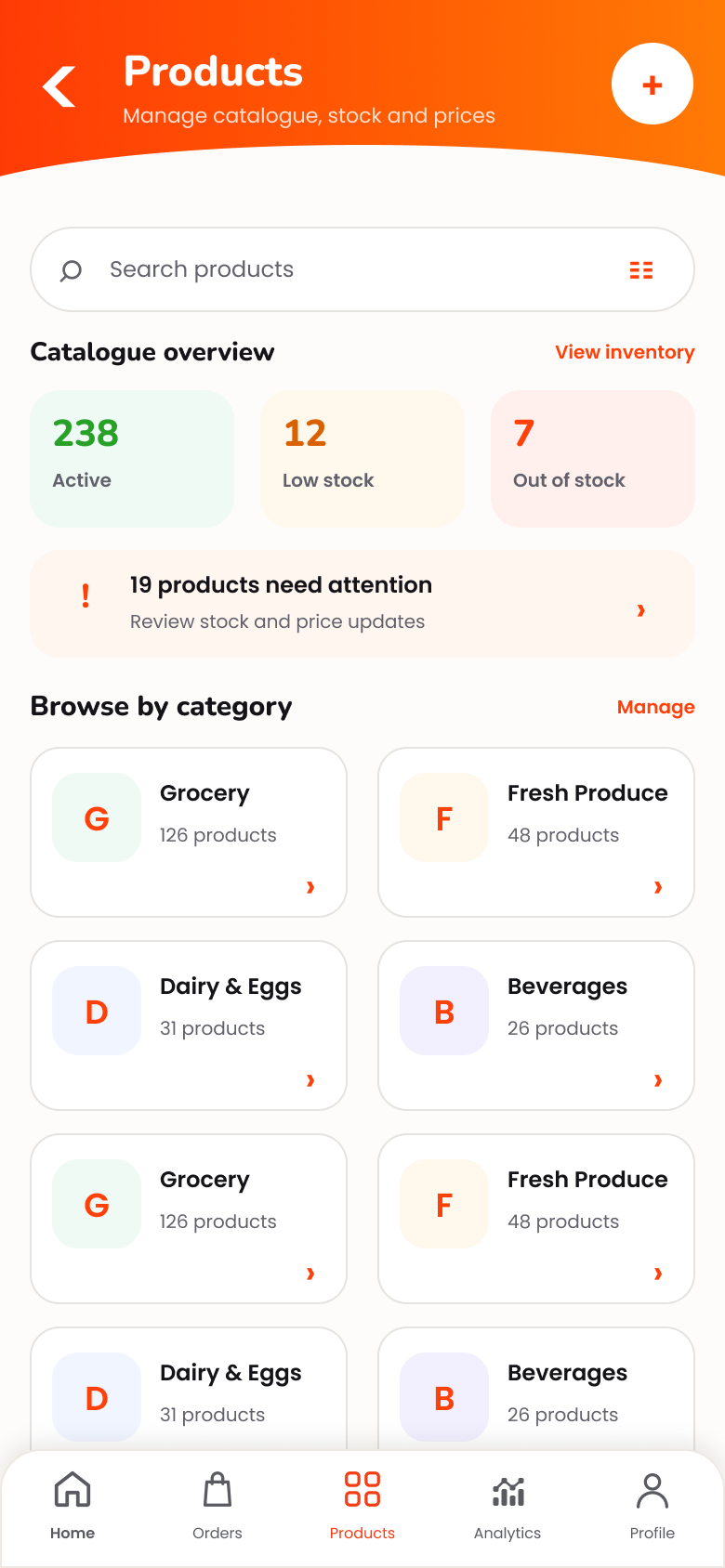
Essentily Vendor products overview
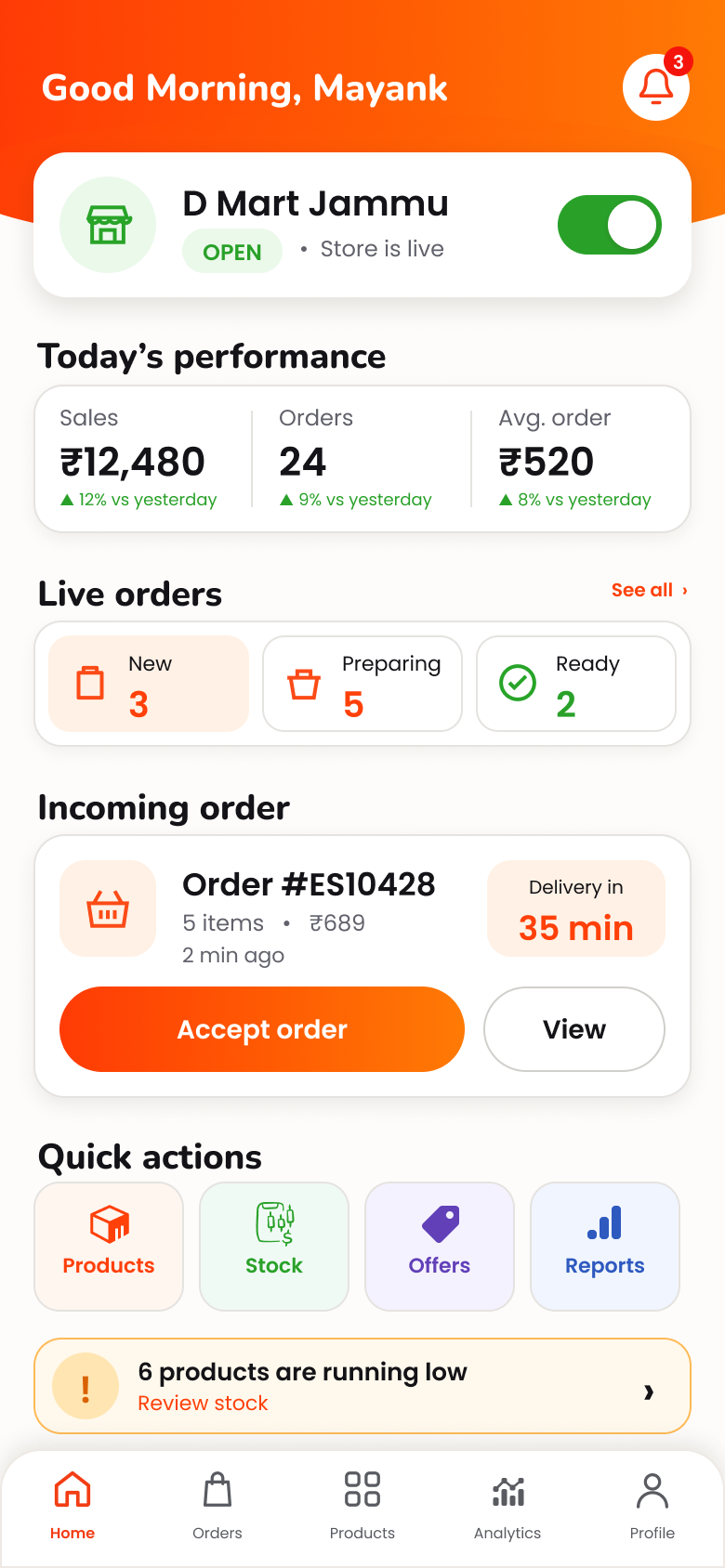
Essentily Vendor dashboard
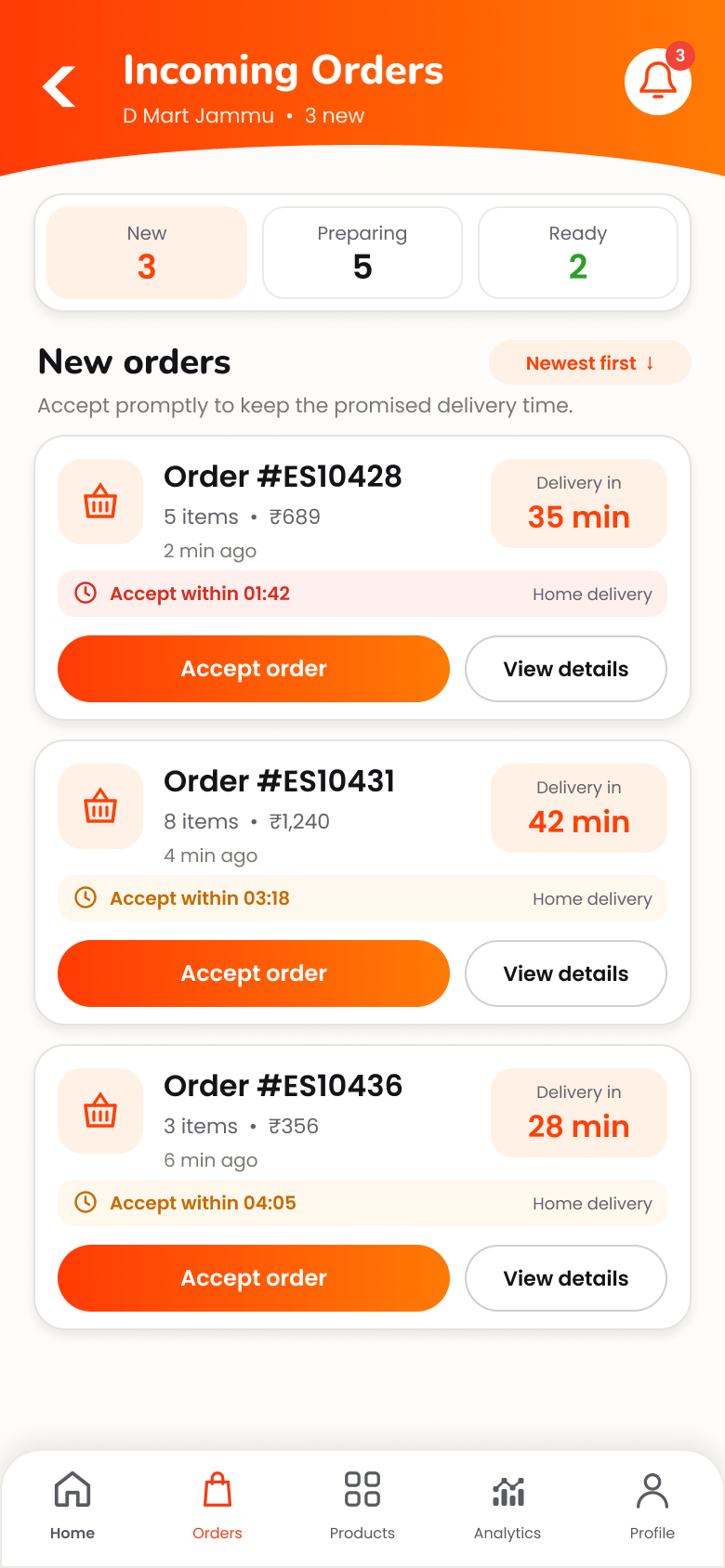
Essentily Vendor incoming orders
Store onlineCustomers can discover your catalogue Order readyMove fulfilment forward clearly
ONE STORE WORKSPACE

Run the digital side.
Keep the local-store feel.

Essentily is designed around the everyday jobs a local merchant already has: keeping products available, handling orders, and knowing what needs attention next.

▦

Products & catalogue

Create products, organise categories and keep your Store catalogue presentable.

◫

Stock & availability

Keep inventory visible and update what customers can actually order.

✓

Orders & fulfilment

See new orders, prepare them and move them to ready-for-pickup.

₹

Offers & earnings

Run Store offers and keep performance, earnings and statements organised.

FROM STORE SETUP TO EVERYDAY ORDERS

Set it up once.
Run it every day.

Your vendor workspace follows a simple operating rhythm: complete the Store, build the catalogue, receive orders, prepare them, and hand them to the delivery network.

01
Join EssentilyStart your vendor setup and Store information.
02
Build catalogueAdd products, pricing and stock.
03
Receive ordersSee new customer orders as they arrive.
04
Prepare & readyKeep fulfilment status clear.
05
Pickup & deliveryEssentily connects the order to local delivery.
01
PRODUCTS & INVENTORY

Your catalogue.
Always easier to manage.

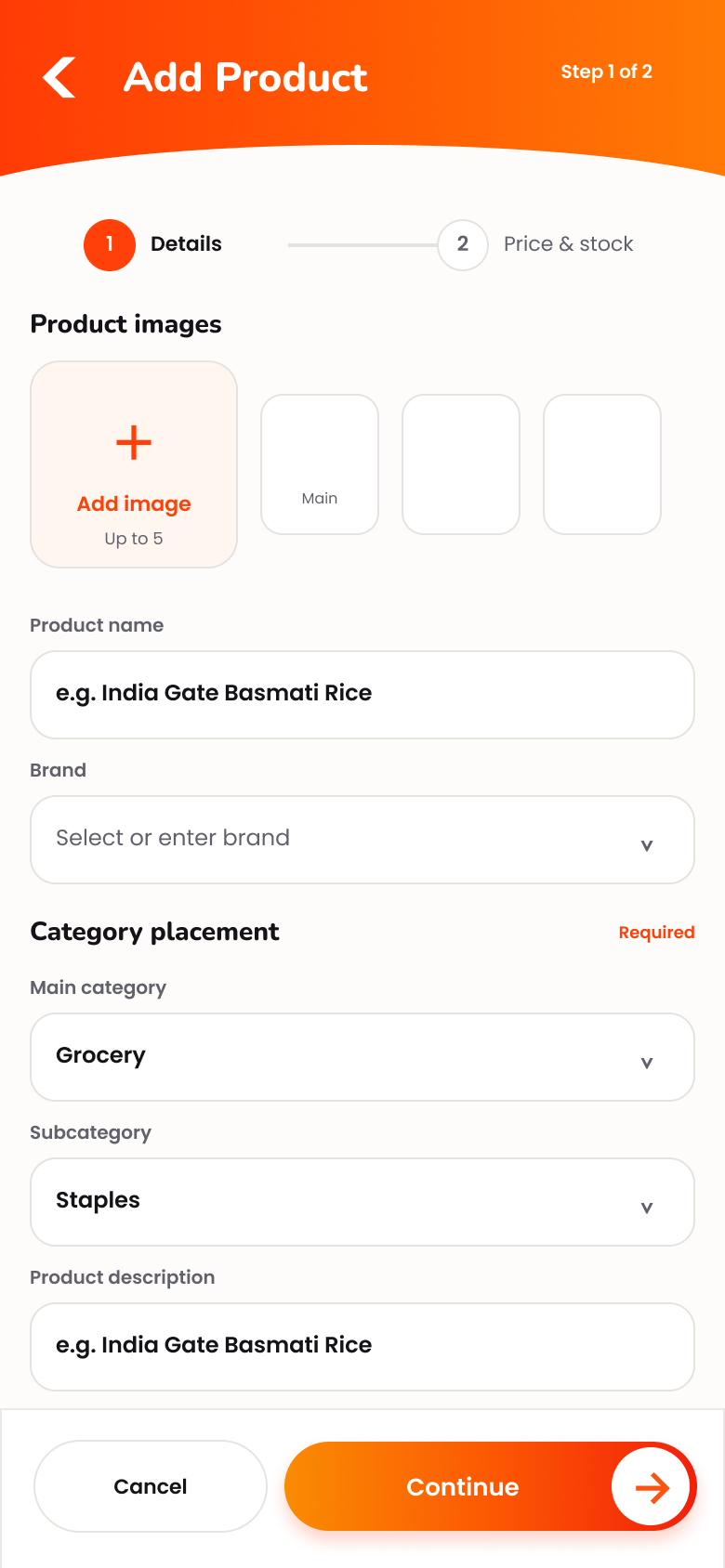
Keep the essentials of your Store catalogue together: products, categories, pricing and inventory. The goal is simple — customers should see what your Store is actually ready to sell.
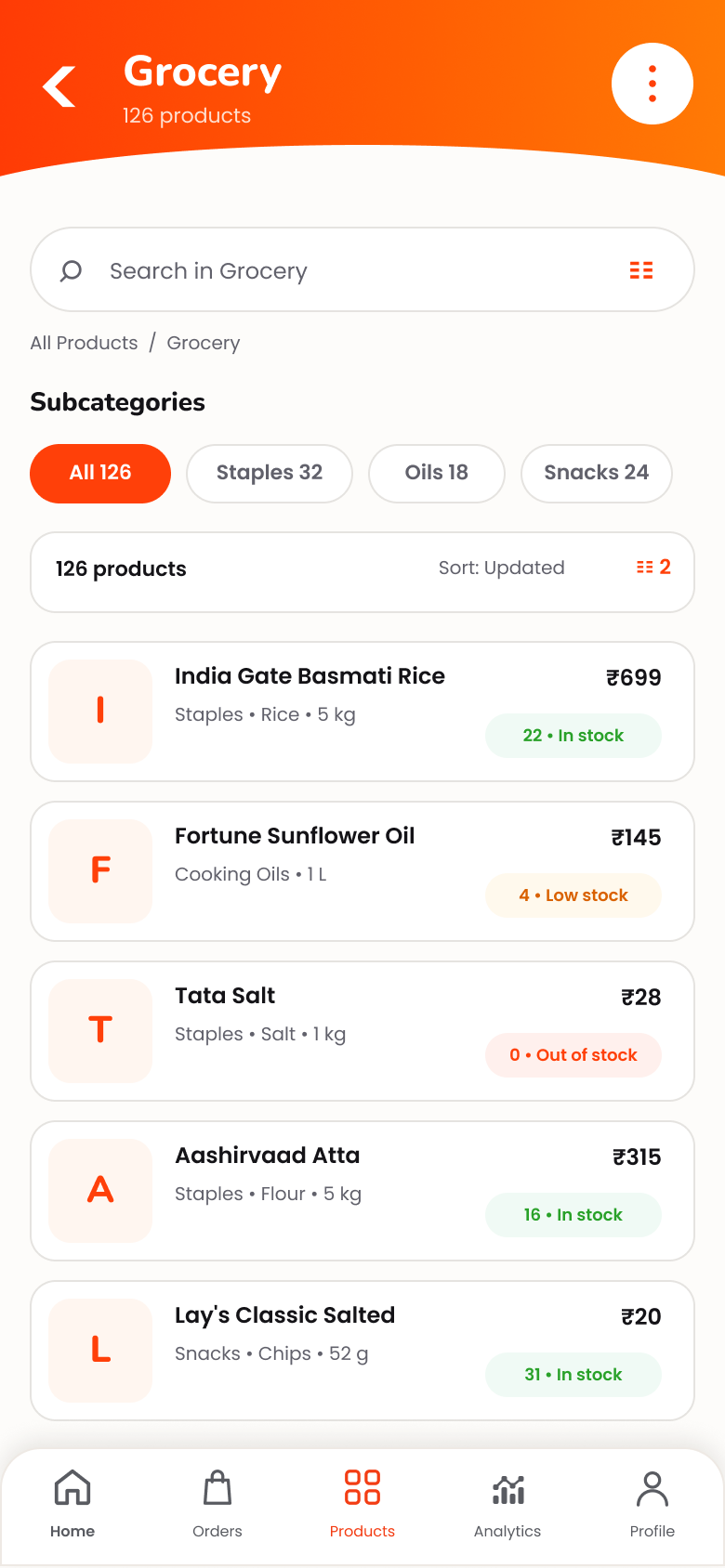
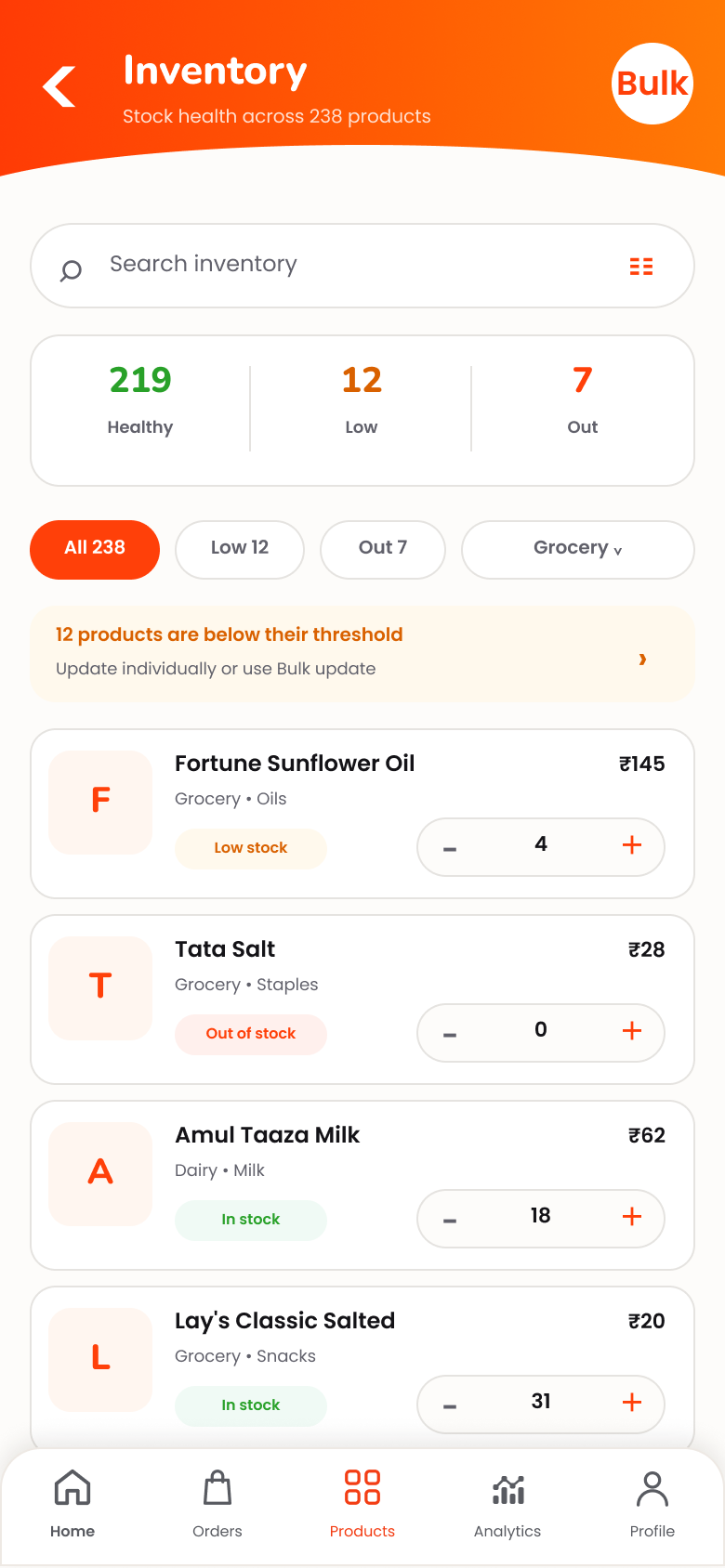
Product managementCreate and maintain your Store catalogue. Inventory visibilityKeep stock and availability organised. Faster maintenanceUse bulk updates when multiple items need attention.
Vendor grocery products list
Vendor inventory and stock management
Vendor add product screen
One catalogueProducts + stock together
New incoming order in Essentily Vendor
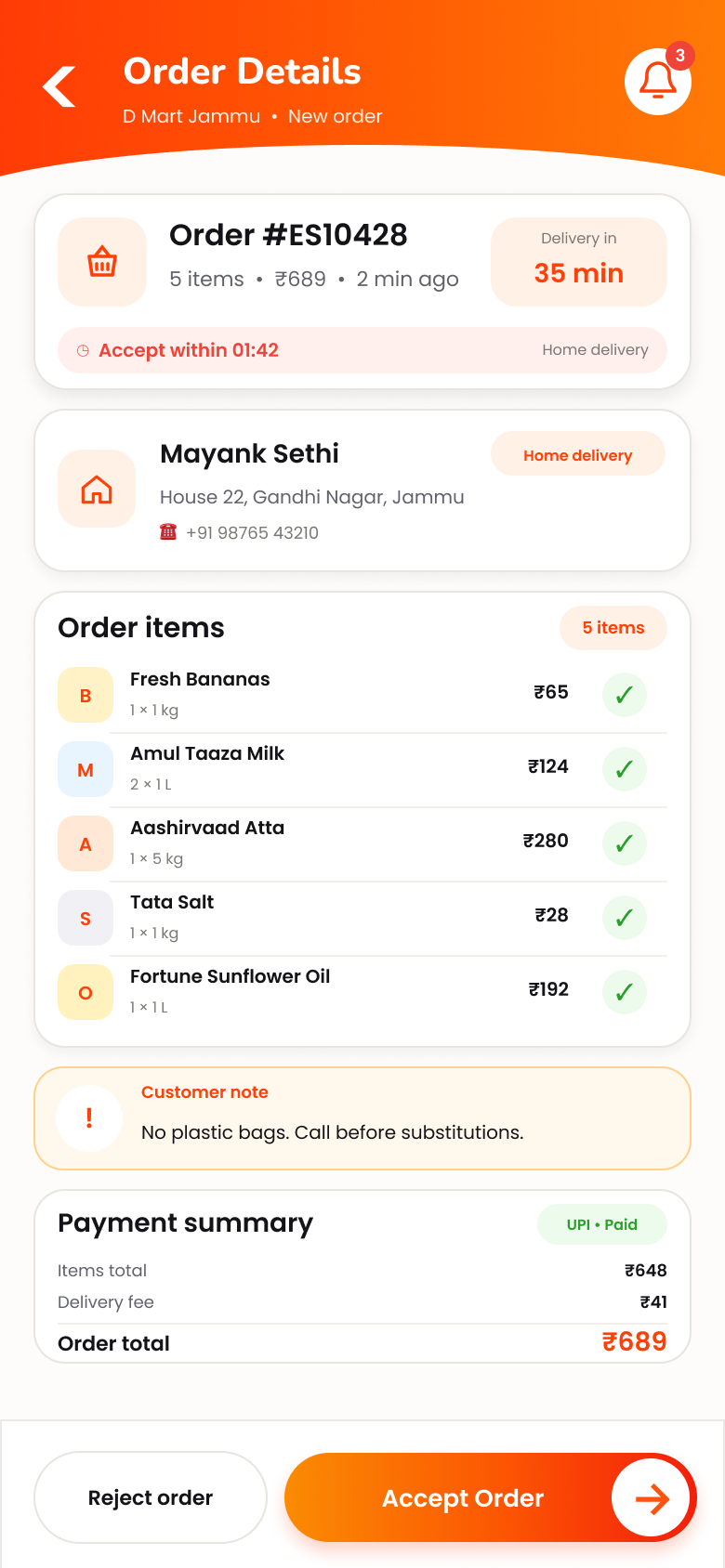
Vendor order details and acceptance
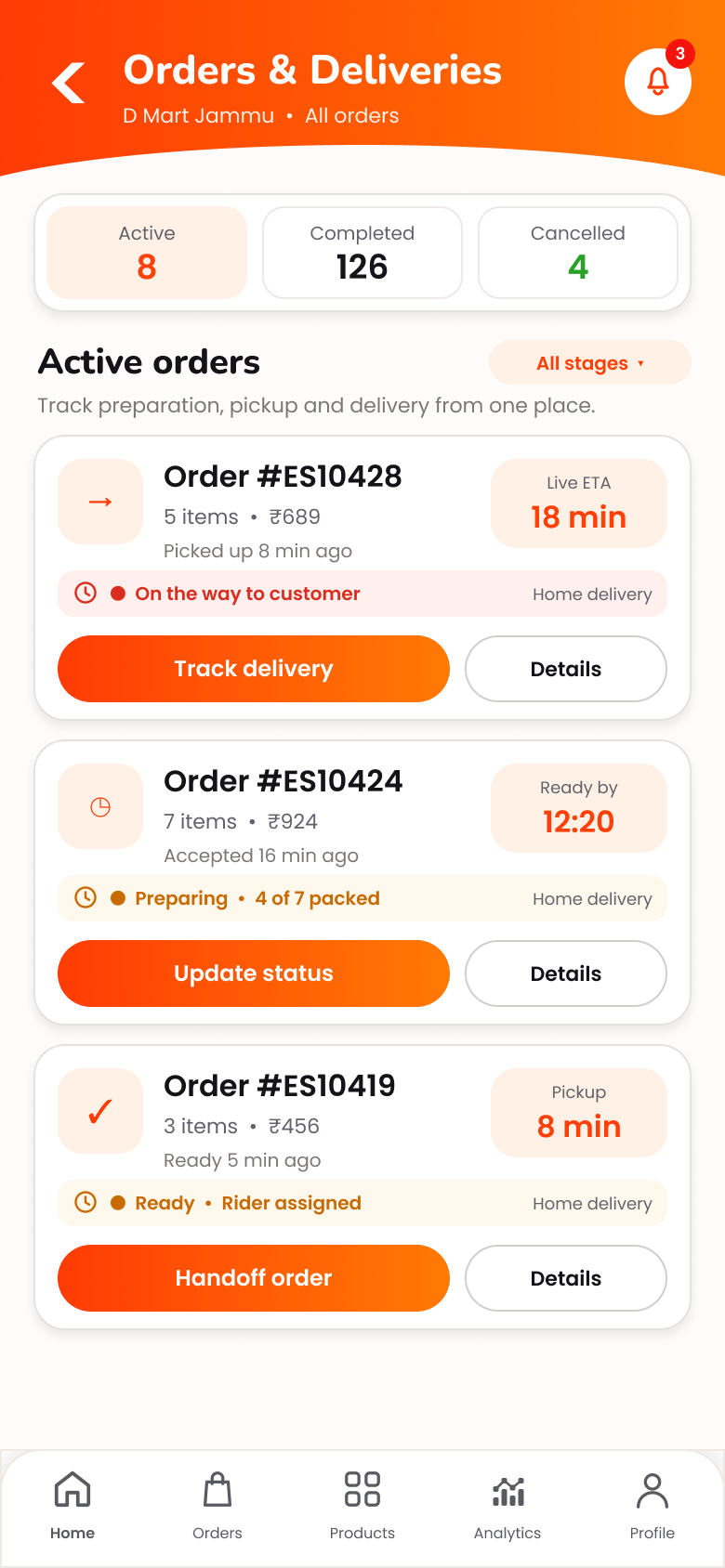
Active vendor orders and deliveries
New → Preparing → ReadyKeep every order moving
02
ORDERS & FULFILMENT

Know what arrived.
Know what happens next.

Incoming orders should be operational, not confusing. Essentily keeps the order, its current status and the next action in one focused flow from acceptance through pickup.

NewAcceptedPreparingReady
Incoming order focusSee which order requires action. Clear preparation stateMove the order forward deliberately. Pickup contextStay connected as delivery takes over.
03
PERFORMANCE & EARNINGS

See the Store.
Not just the next order.

The vendor workspace keeps day-to-day Store performance visible alongside earnings and payout information, so operations and money do not feel like separate systems.
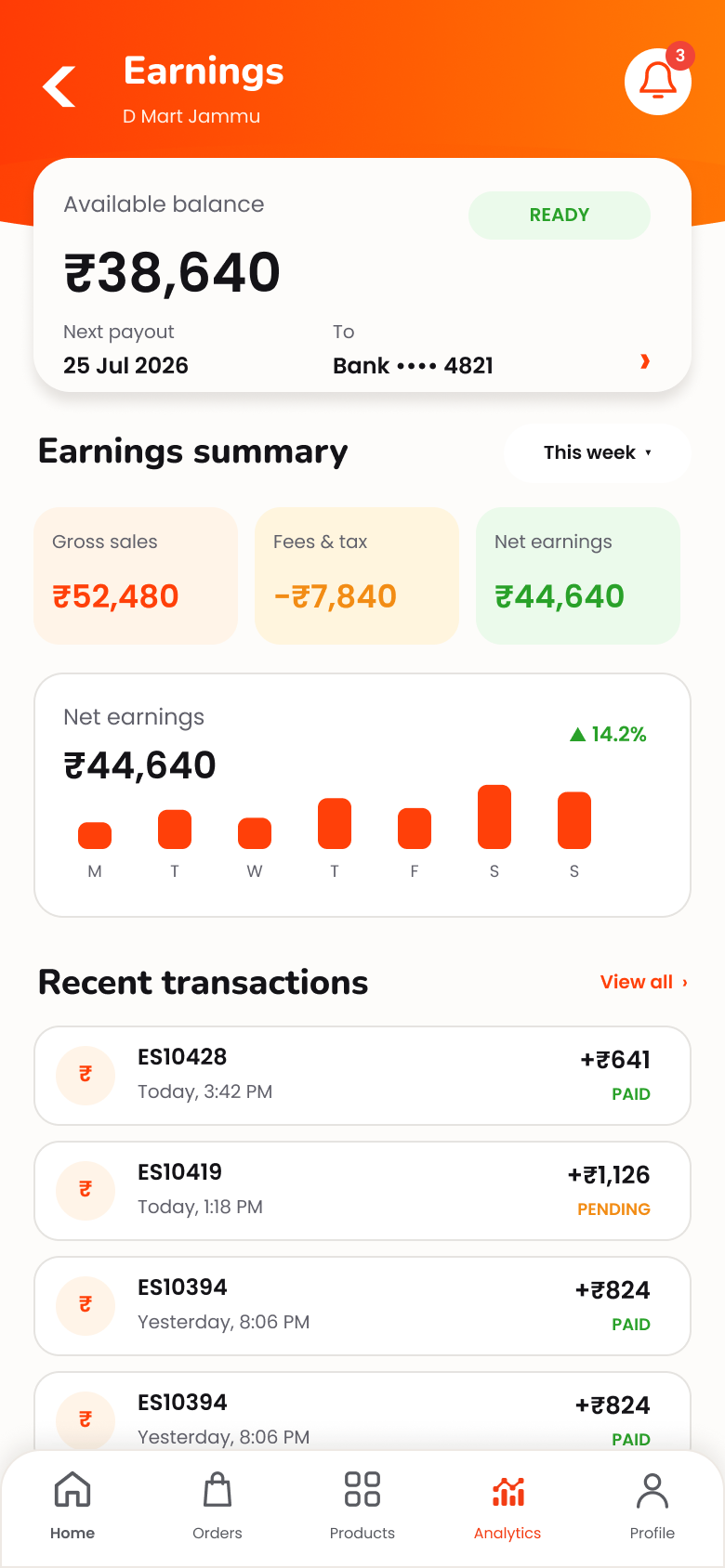
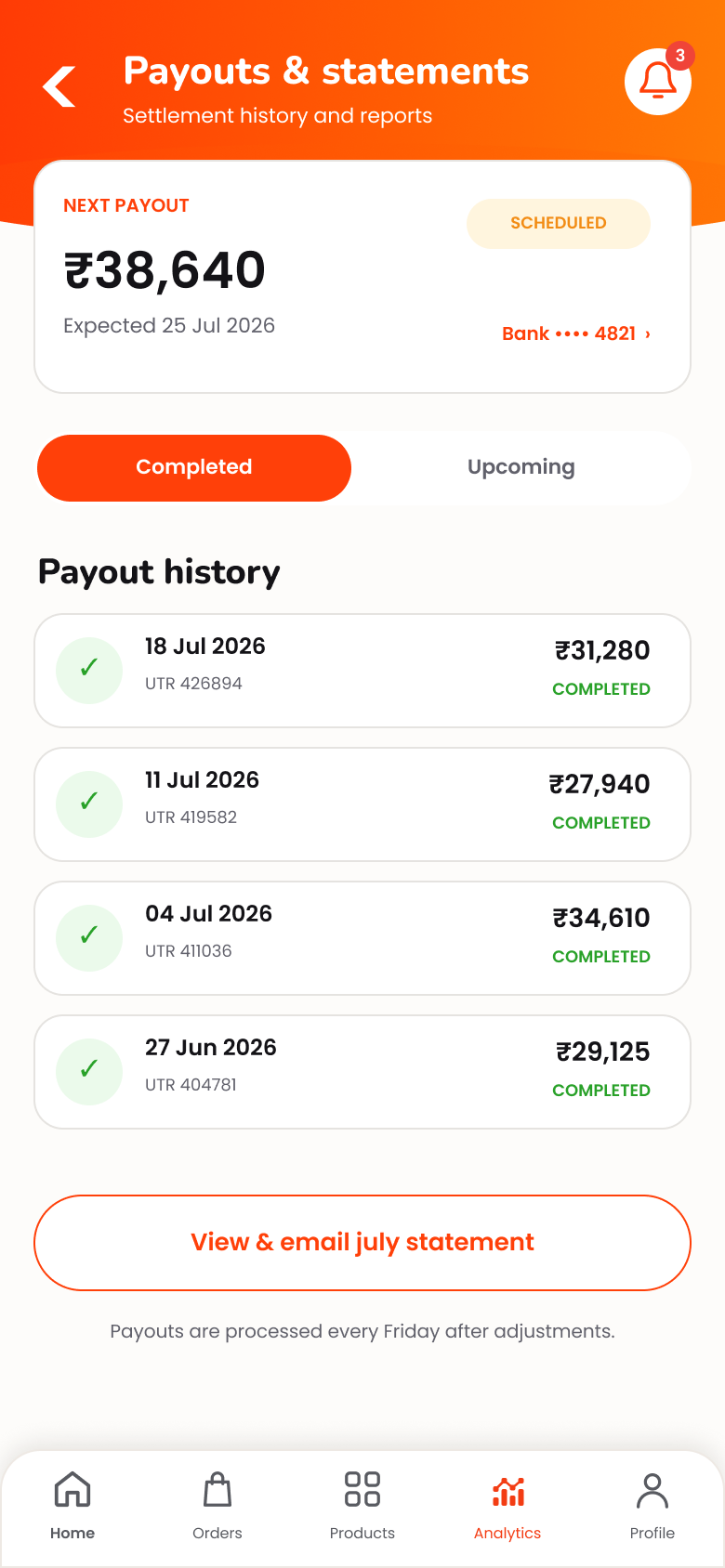
SalesPerformance OrdersActivity EarningsOverview
Vendor Store performance dashboard
Vendor earnings overview
Vendor payouts and statements
BUILT AROUND LOCAL COMMERCE

Customers shop.
Your Store fulfils.
Essentily connects the rest.

Customers discover the Store and place the order. Your team prepares it. Essentily then keeps the pickup and delivery journey connected to the order.

CUSTOMERDiscovers & ordersShops the local Store catalogue.
→
YOUR STOREPrepares the basketProducts, order status and pickup readiness.
→
DELIVERYPickup to doorstepLocal delivery takes over after ready.
DELIVERY WITHOUT LOSING ORDER CONTEXT

Ready for pickup.
Still visible to the Store.

As the order leaves the Store, Vendor tracking keeps the fulfilment journey understandable instead of disappearing into a separate system.
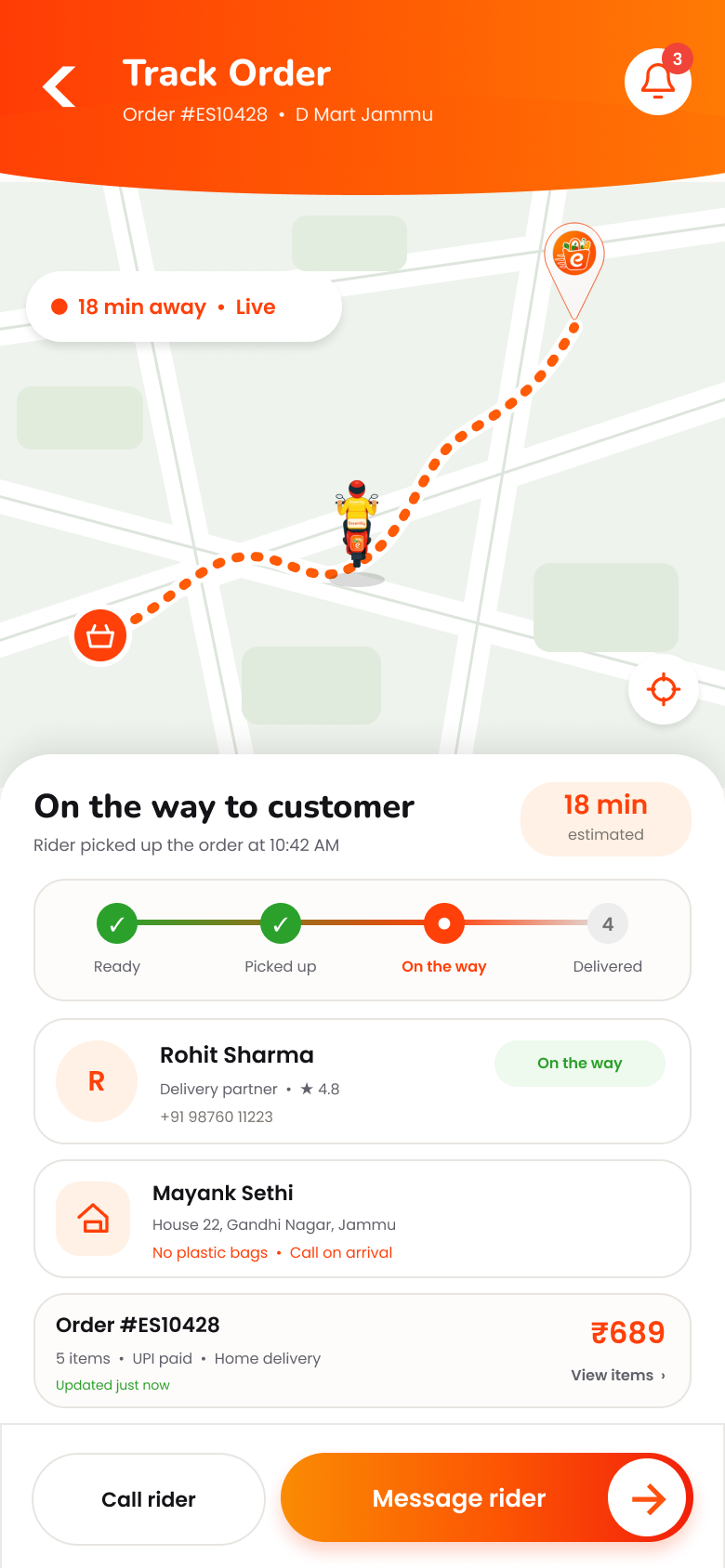
Vendor tracking an order after pickup
YOUR STORE ON ESSENTILY

Built locally.
Discoverable digitally.

Once a Store is ready and published, customers can discover it through Essentily's public Shop and continue into the customer app to browse and order.

See the public Shop →
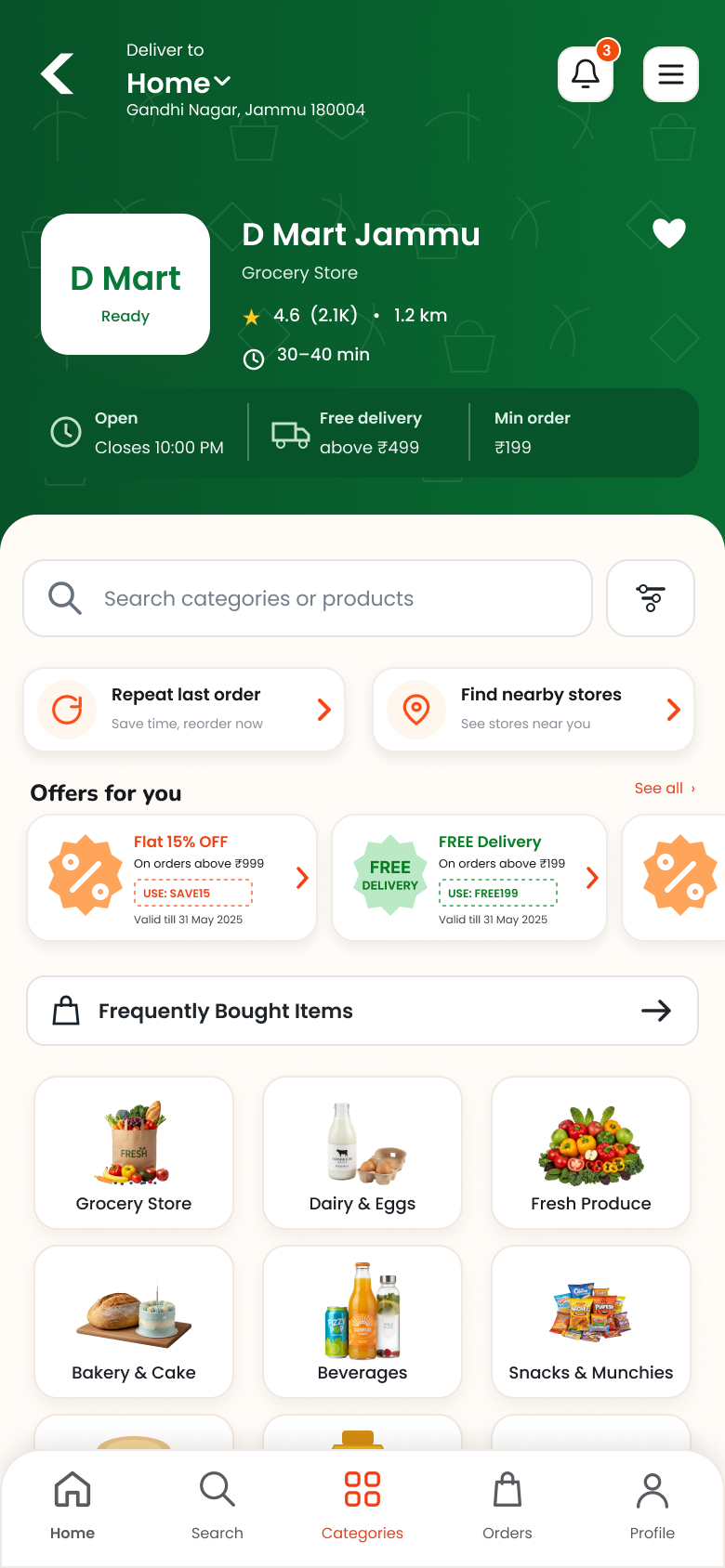
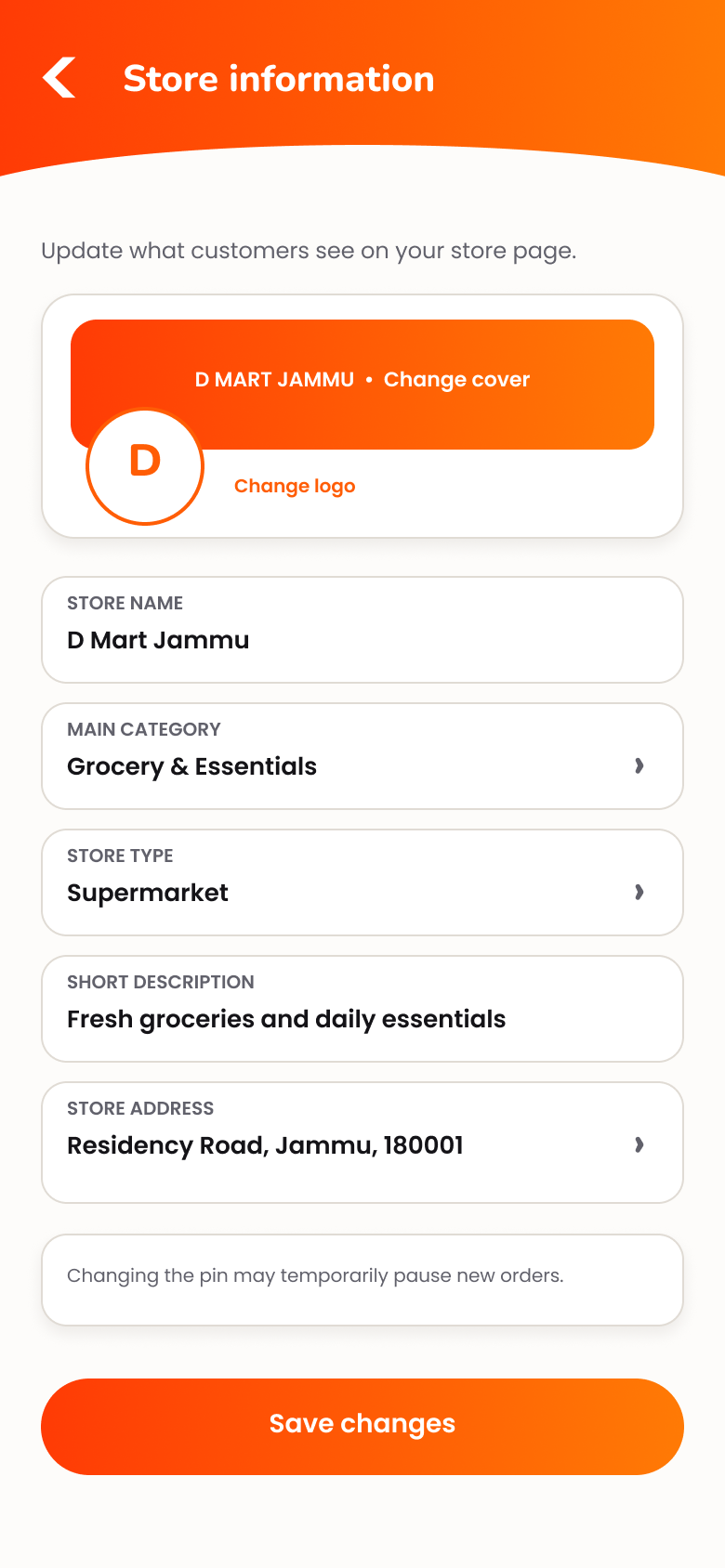
Customer view of a local Store in Essentily
Vendor Store information management
READY TO BRING YOUR STORE ONLINE?

Join Essentily.
Start building your Store.

Continue to the Essentily Vendor portal to create or manage your vendor account and Store setup.